"PDF editor" covers everything from a basic viewer with an annotate button to a full editing suite. If you actually need to change text, convert files, and handle scans, here's what to look for — and how to test it before you commit.
What separates a real PDF editor
True inline text editing — click and type on the existing text, not just stamp boxes on top of the page.
Matching fonts and preserved layout — edits blend in, and the rest of the page doesn't shift.
Bundled fonts — a good set of typefaces, ready to use, so replacements look right.
Built-in OCR — so you can turn scanned pages into editable text without extra tools.
Faithful Office export — convert to Word, Excel, and PowerPoint with the layout intact.
Things people forget to check
Privacy. Does the tool process your documents on your machine, or upload them somewhere? For sensitive files, offline matters.
Setup. Does everything come in one installer, or do you have to hunt down add-ons and plugins?
Speed. Native desktop apps handle large documents far better than browser-based tools.
How to test before you commit
Open a real PDF — ideally one with mixed text, tables, and images.
Edit a sentence and watch the page: does the text stay in place and match the font?
Run OCR on a scanned page and check the result.
Export to Word and see whether the layout survives.
A free trial is the fastest way to find out.
Where AshurReader fits
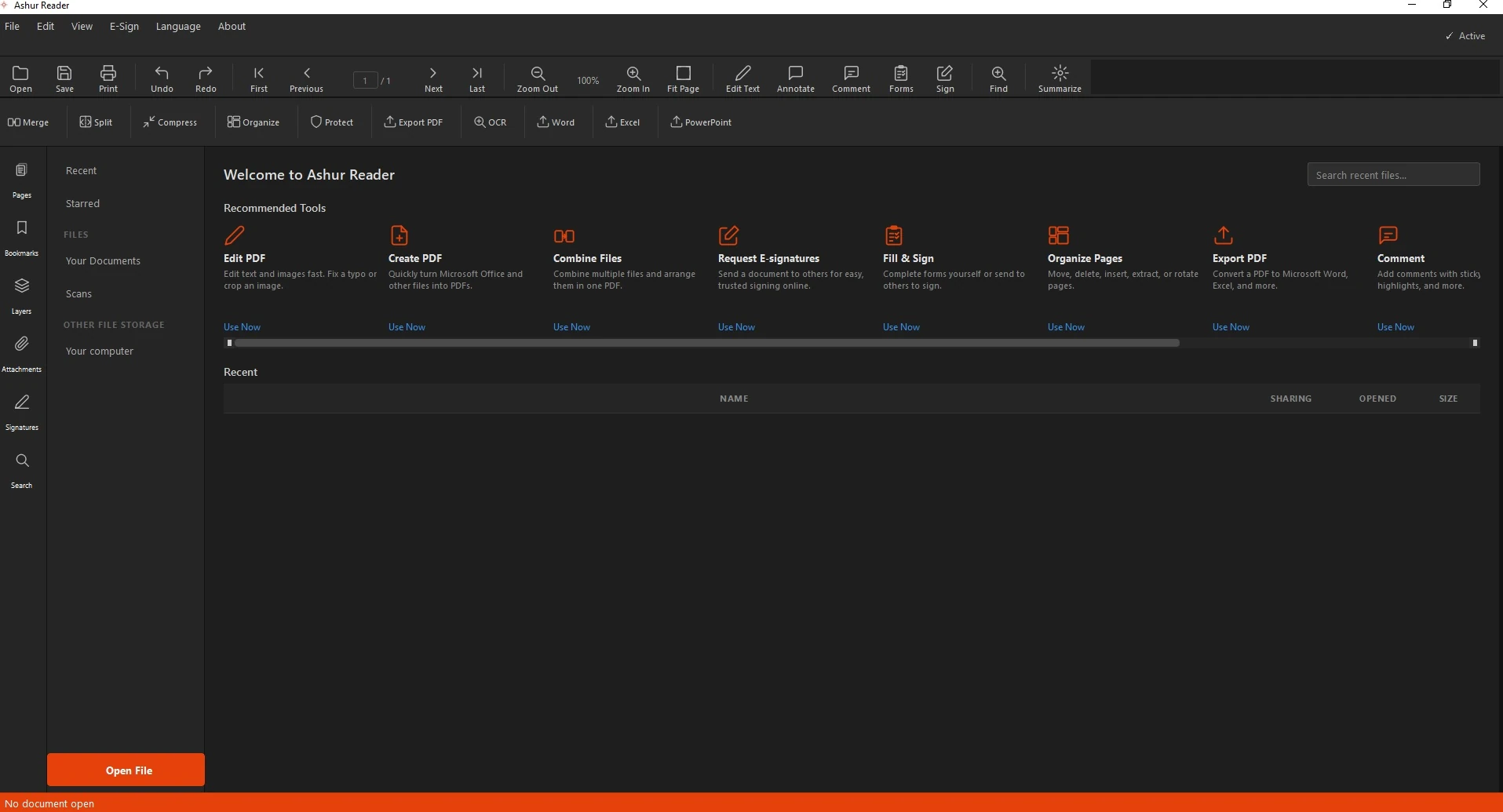
AshurReader is a desktop editor for Windows: inline text editing, matching fonts, built-in OCR, and faithful Office export — all offline on your own computer. You can try everything free for 3 days.