Need to fix a typo, update a number, or change a line in a PDF? You shouldn't have to rebuild the whole document. Here's how to edit an English PDF directly on the page — text, layout, and fonts intact.
Why editing a PDF is usually a pain
PDFs are built for viewing, not editing, so most tools make it harder than it should be:
Some editors can't touch the text at all — they only let you draw boxes on top, so your change never really becomes part of the document.
Others reflow the whole paragraph when you change one word, pushing the rest of your layout out of place.
Fonts don't match, so the edited line stands out awkwardly from the rest of the page.
What clean editing really needs
An editor that edits a PDF properly should do four things:
Let you click and type directly on the existing text, in place.
Keep the surrounding layout exactly where it was.
Match the original font so the edit blends in.
Save without re-rendering or degrading the rest of the page.
Step by step: how to edit an English PDF
Here's the flow in AshurReader:
Open your PDF.
Switch to text-edit mode.
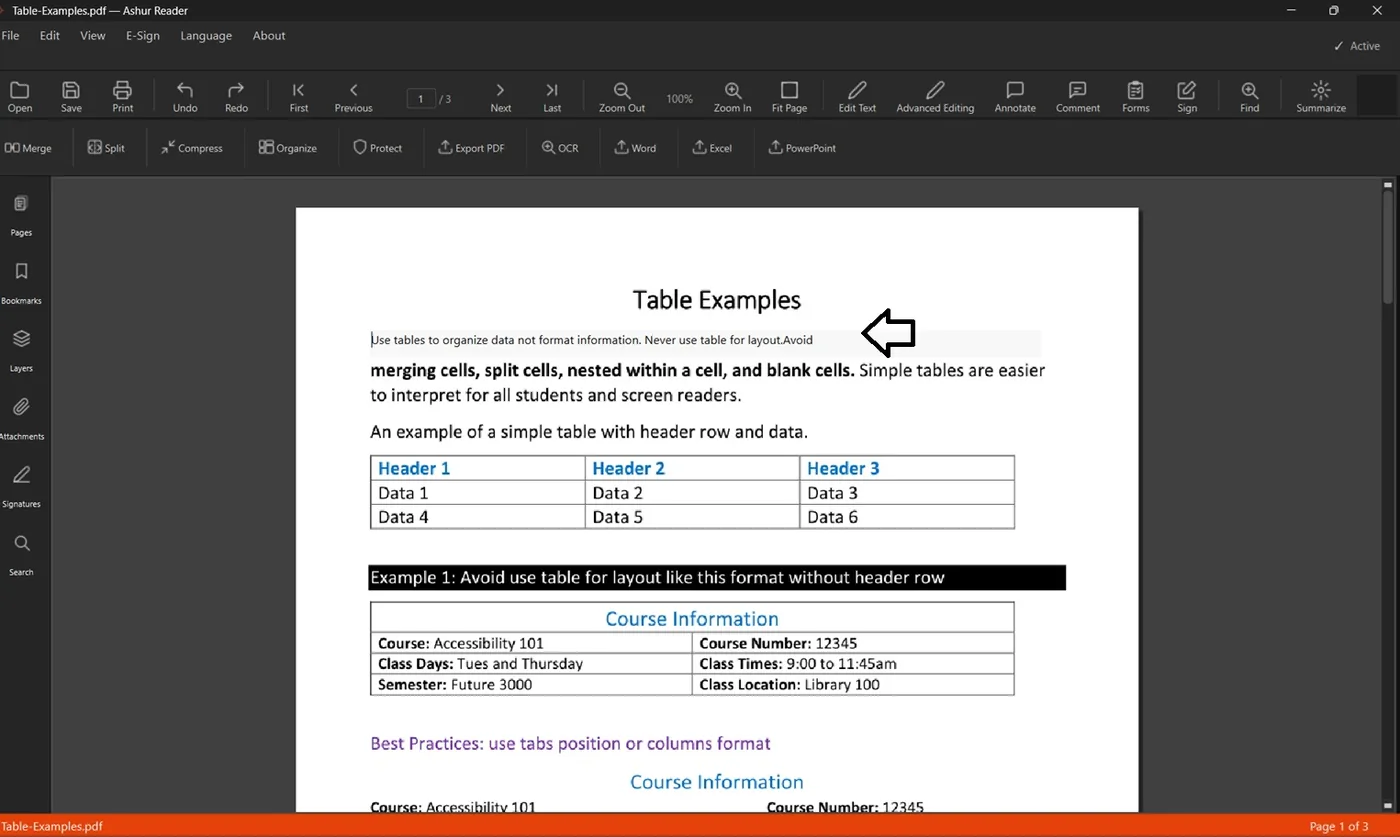
Click the line you want to change — the text stays selectable and in place.
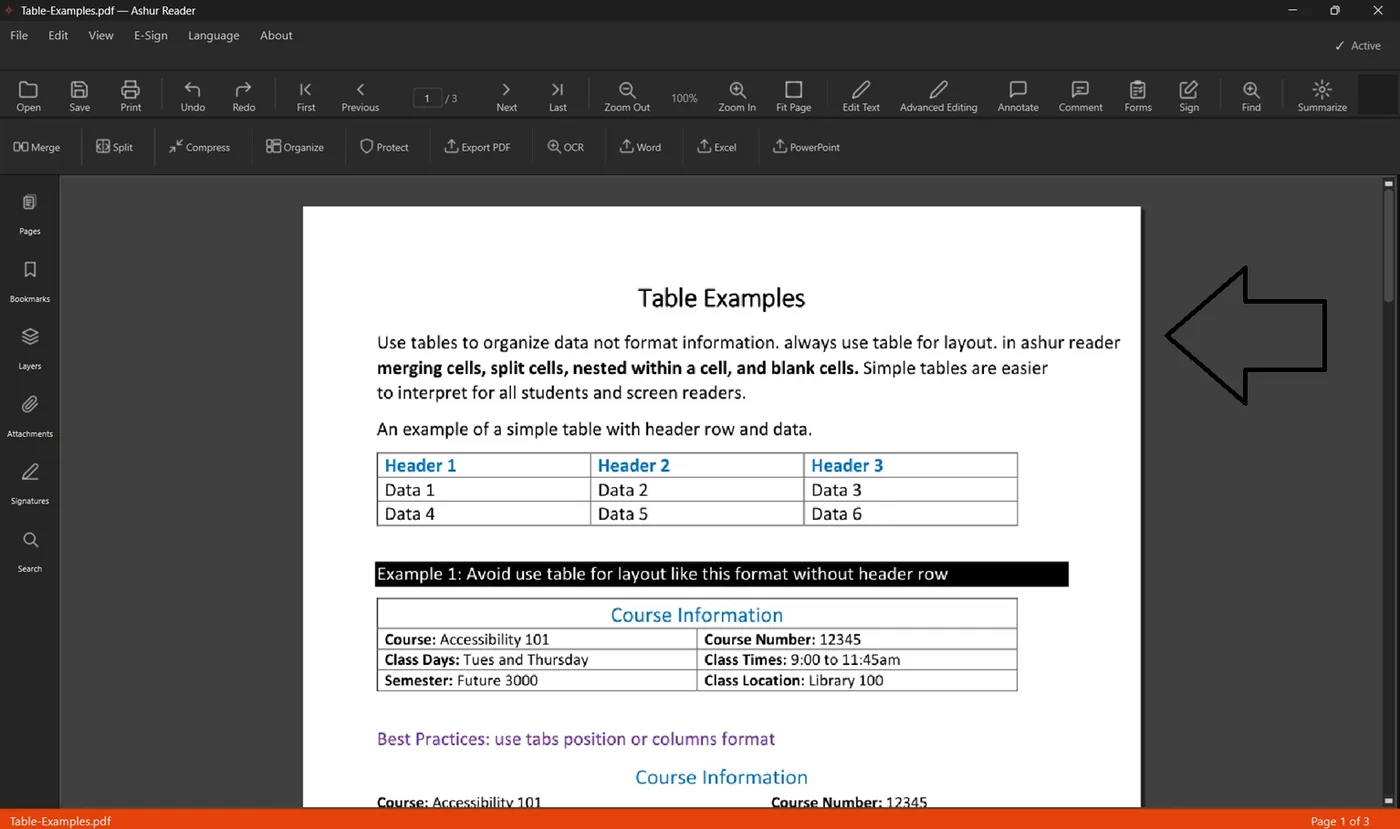
Type your edit. It updates right on the page, in the matching font.
Want a different look? Pick from the bundled fonts.
Save. Your formatting and layout stay intact.
If your file is scanned
A scanned page is an image, not text — so there's nothing to edit until it's recognized. Run OCR first to turn the image into real, editable text, then follow the steps above.
A few tips
Editing inside tables or columns: change text in place without disturbing the cells around it.
Keep a copy of the original before big edits.
For a heavy redesign, exporting to Word is often quicker than editing in place.
See it in action
Before — the original line in the PDFAfter — edited inline, right on the page