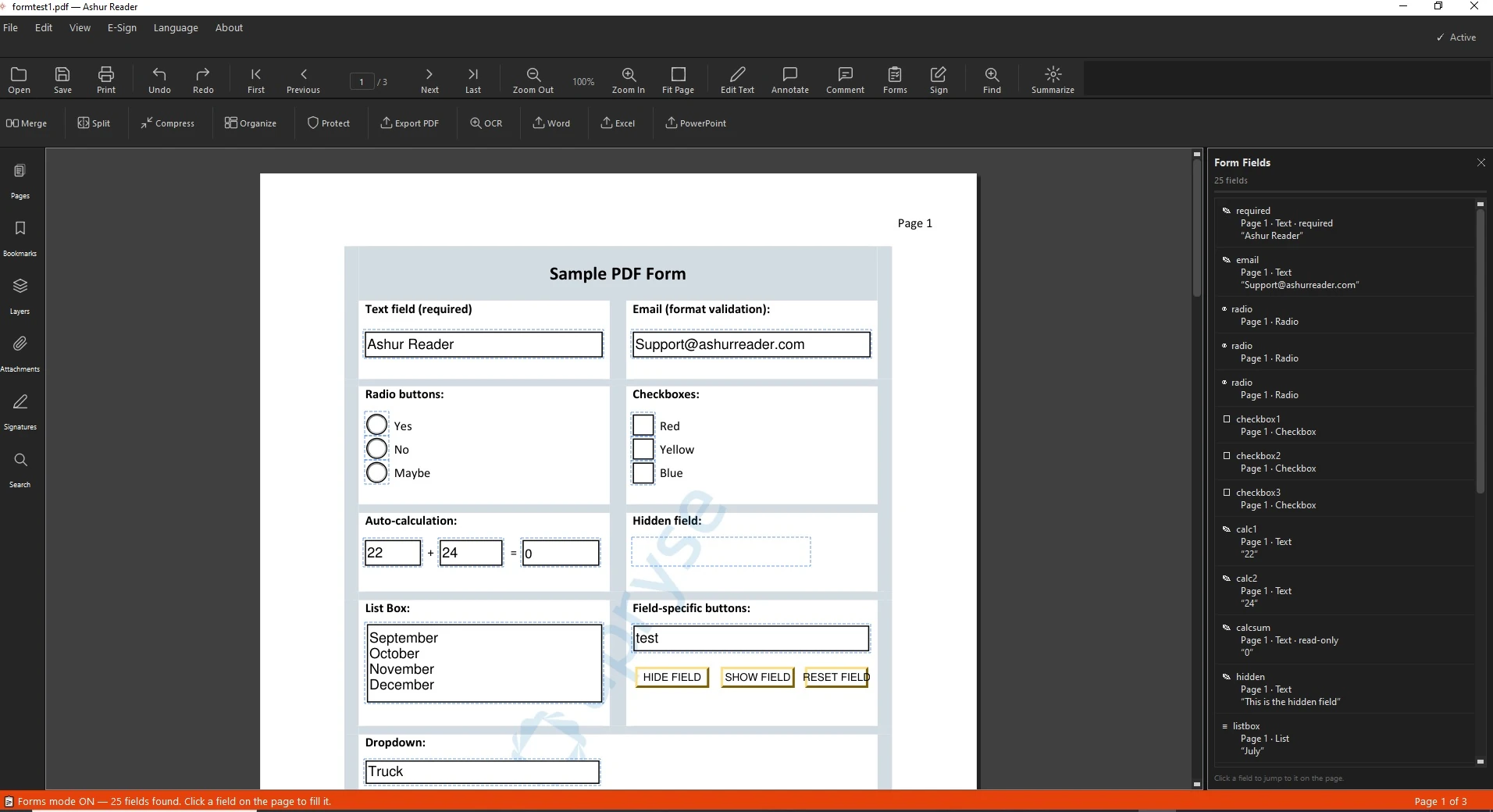
Some PDFs are interactive forms with real fields you can click and type into; others are flat pages that only look like forms. AshurReader handles both.
Interactive vs flat forms
If the form has clickable fields, you fill them directly. If it's flat — a scan or a printed layout — you can still type on top of it with a text box, then save.
How to fill and save a form
Open the PDF form.
Click a field and type.
Tick checkboxes and pick dropdown options where present.
For a flat form, add a text box where you need to write.
Save a filled copy — your entries stay exactly in place.
A tip on sharing
If you want the filled form to look final and uneditable, save a flattened copy before you send it.