Guide · Themes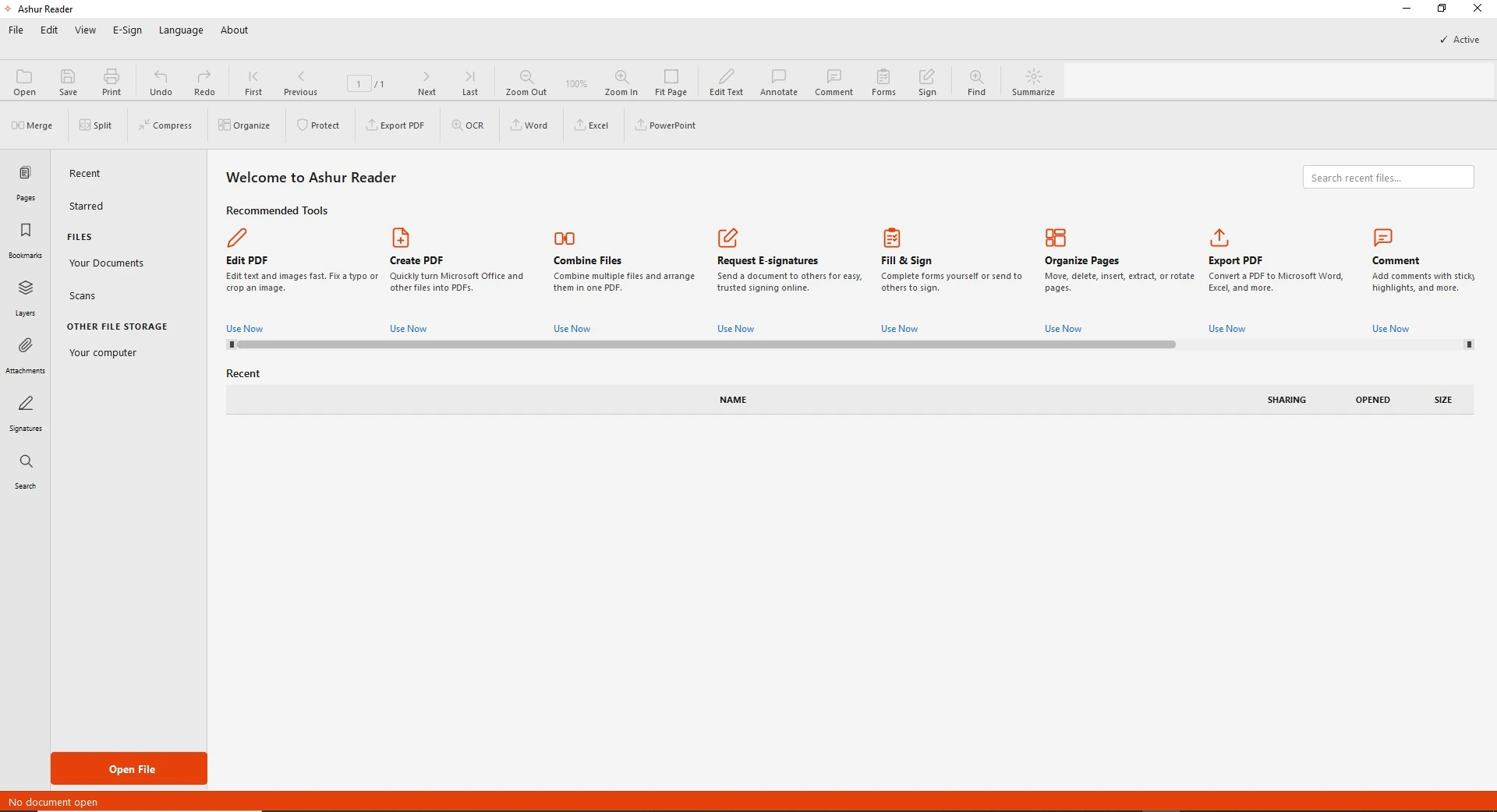
The light theme 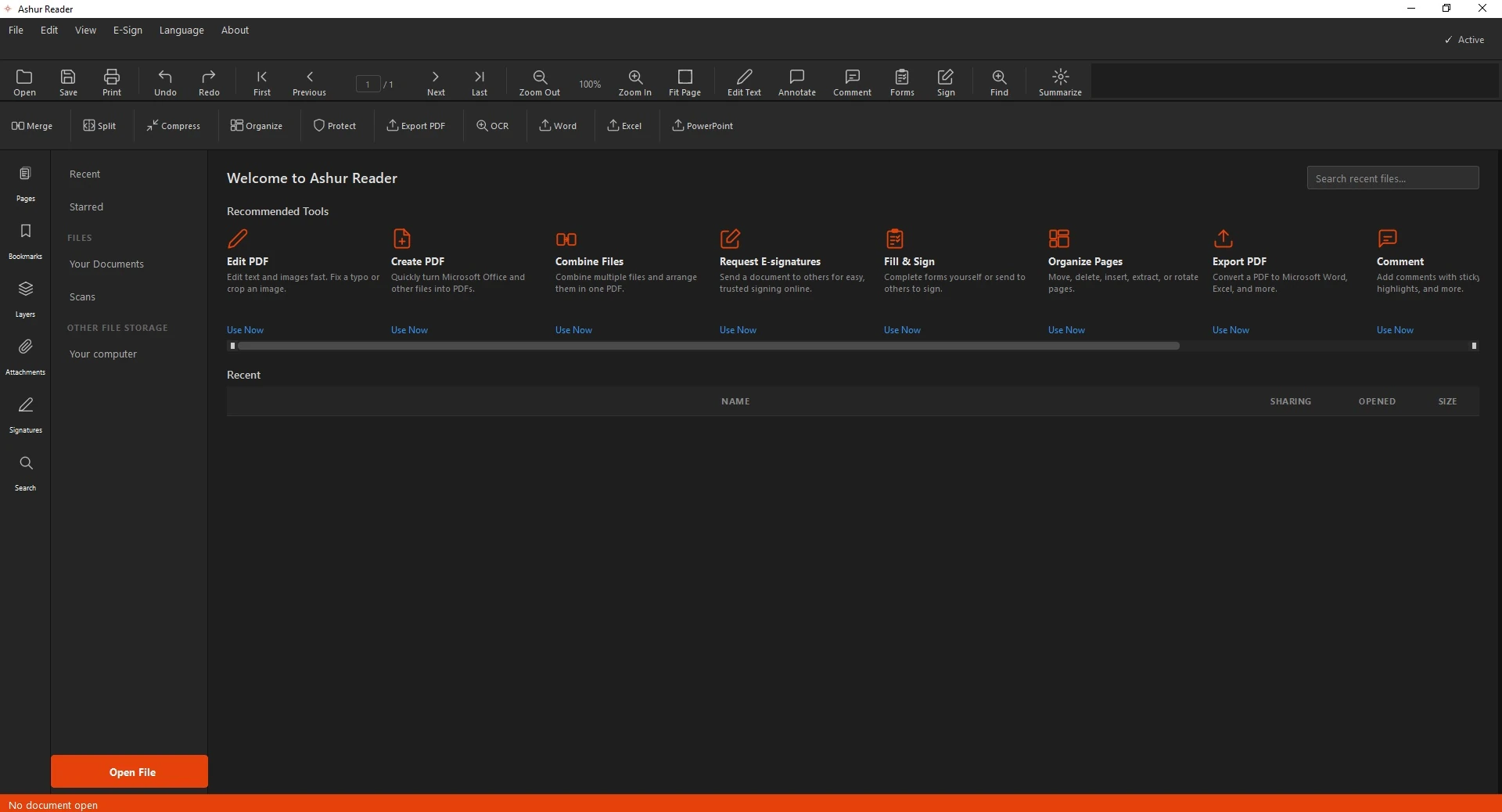
The dark theme
Light and Dark Themes in AshurReader
Work the way you like: a clean light theme for bright rooms, and a dark theme that's easy on the eyes at night.
Pick your look
Switch themes anytime — the whole interface adapts instantly.
How to switch
- Open settings.
- Choose Light or Dark.
- The interface updates right away.
See it in action
Related guides: Best PDF editor · Edit an English PDF