Guide · PDF to PowerPoint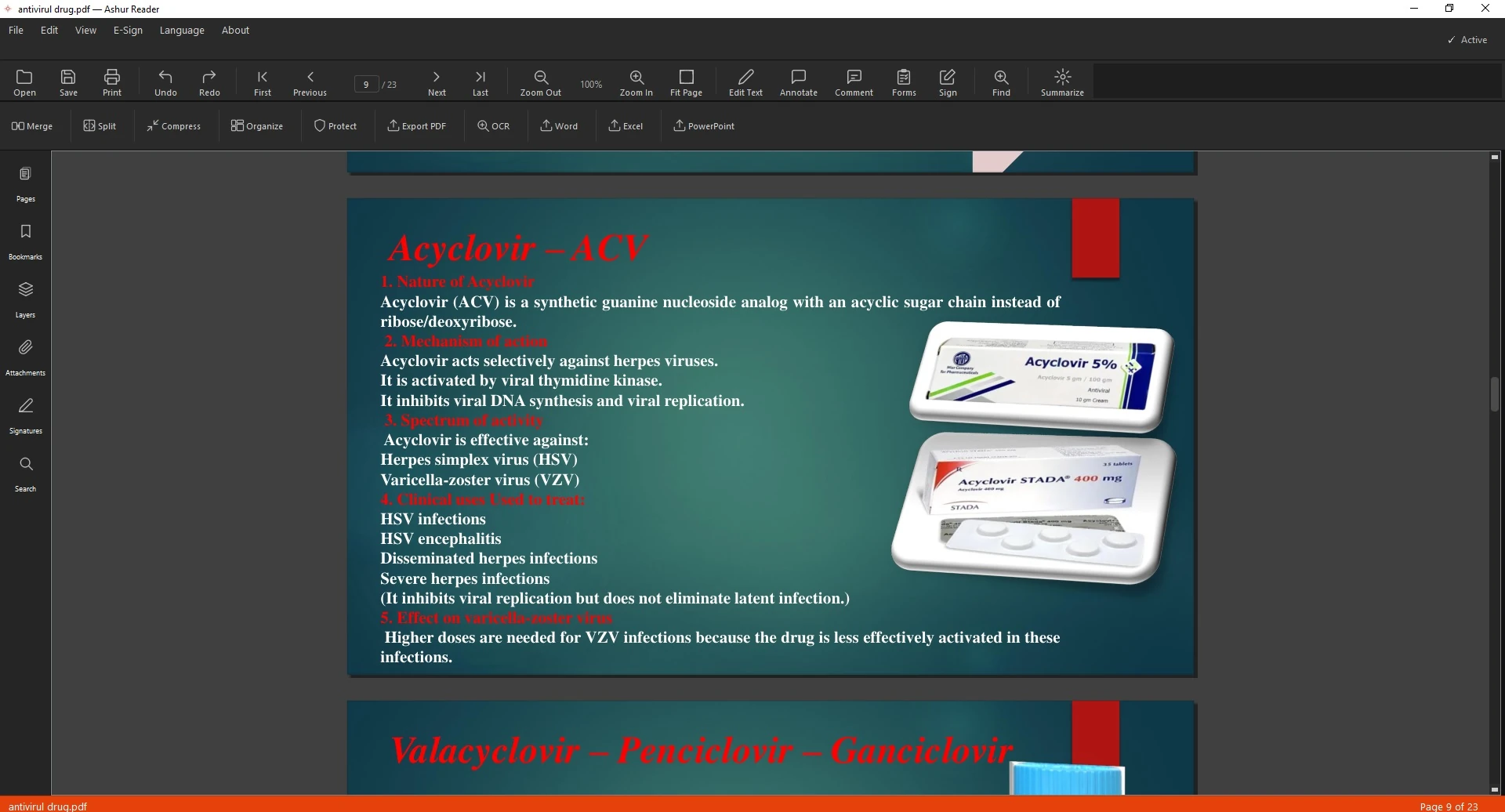
Before — an English PDF in AshurReader 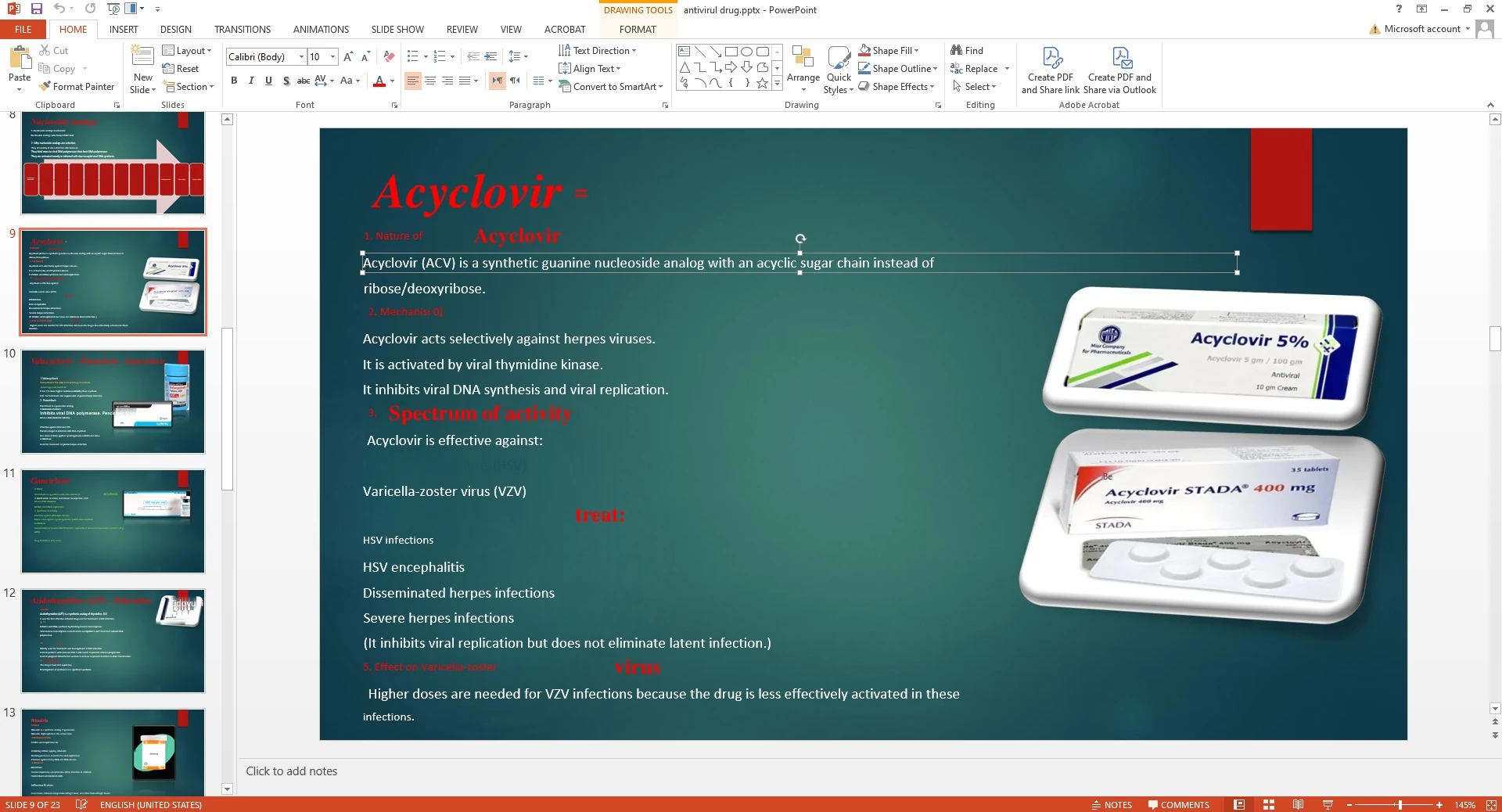
After — editable PowerPoint slides
How to Convert a PDF to an Editable PowerPoint
Exporting a PDF to PowerPoint should give you slides you can edit — real text boxes, not a picture of each page. Here's how, in English.
Slides you can actually edit
A good export keeps text as text so you can rework each slide. AshurReader exports editable slides in both languages.
How to export to PowerPoint
- Open the PDF.
- Choose export to PowerPoint.
- Select the pages to convert.
- Export — each page becomes an editable slide.
- Open it in PowerPoint and adjust.
See it in action
Related guides: Convert PDF to Word · Export tables to Excel
From PDF to editable slides
Export PDFs to PowerPoint you can actually edit — offline.
Download for Windows