Guide · Summaries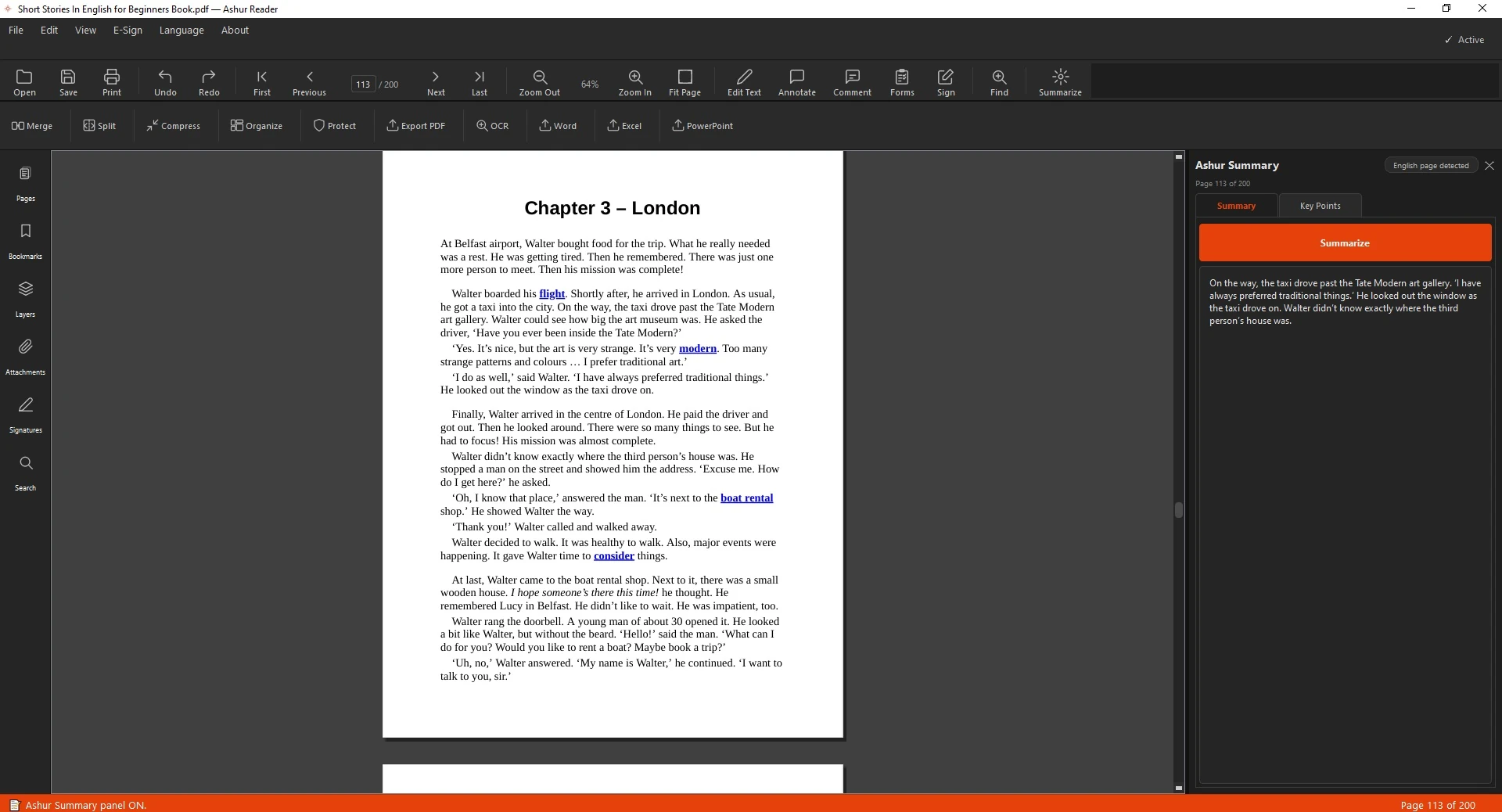
A document and its summary, side by side
How to Summarize a PDF Offline
Long document, little time? Ashur Summary pulls out the key points — and it runs entirely on your device, so nothing ever leaves your computer.
On-device and private
The summary is produced locally. No upload, no account, no internet needed — your document stays with you.
How to summarize a document
- Open the document.
- Open Ashur Summary.
- Choose how long the summary should be.
- Read the summary side by side with the original.
See it in action
Related guides: Run OCR on a scan · Best PDF editor
Summaries, fully offline
Ashur Summary condenses documents on your device — private by design.
Download for Windows